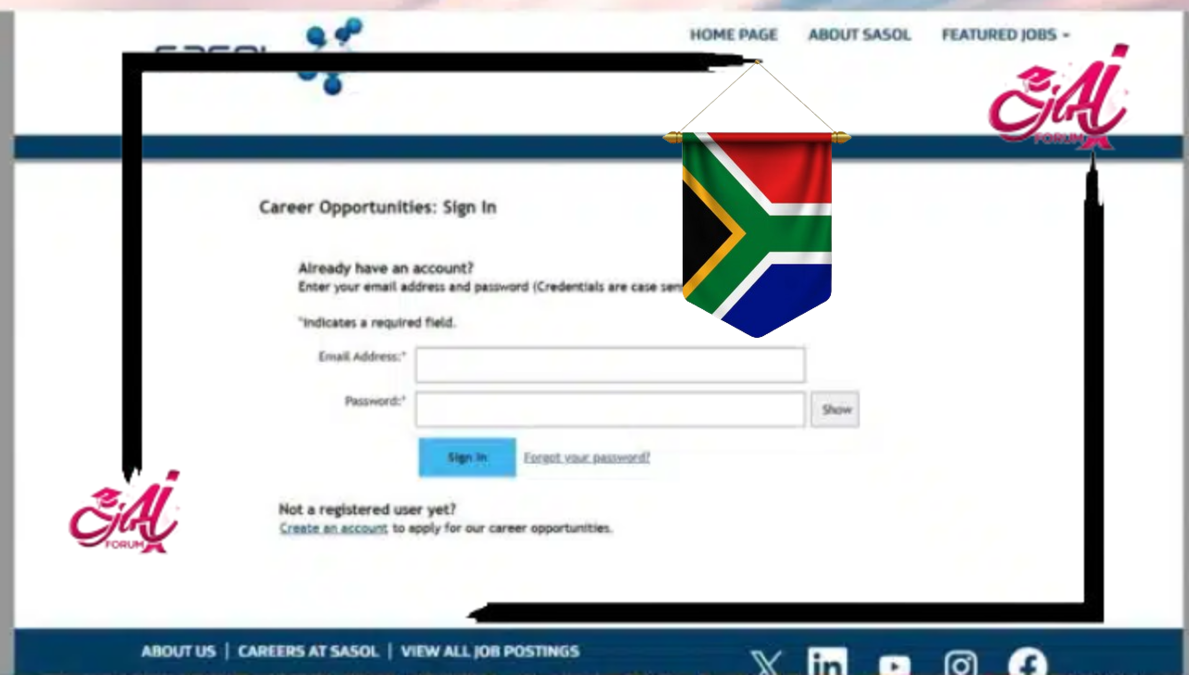
This article provides a clear, step-by-step guide on how to register on the Sasol e-Recruitment Portal and prepare your profile for job applications.
How to Register on the Sasol e-Recruitment Portal for Job Applications
- Visit the Official Sasol Website
- Go to www.sasol.com
- On the homepage, hover over or click on the “Careers” tab.
- Select “Careers at Sasol”
- Under the Careers section, click on “Find a job” or “Careers at Sasol”. This redirects you to the Sasol e-Recruitment portal.
Alternatively, you can go directly to the portal via: https://career5.successfactors.eu/careers
Step 2: Register an Account on the e-Recruitment Portal
To apply for jobs, you need a personal profile on the Sasol system.
- Click “Sign In” or “Register”
- On the top-right corner, click “Sign In”.
- If you’re a new user, click on “Create an account” or “Register”.
- Fill in Your Details
You’ll be prompted to enter:
- Username (your email address)
- Password
- First and Last Name
- Preferred Language
Make sure you use an active email address because Sasol communicates updates via email.
- Accept the Terms and Conditions
Read through the terms and tick the checkbox to agree.
- Click “Register”
Once completed, you’ll be logged in and redirected to your candidate profile dashboard.
Get More Opportunities
Currents South African Vacancies
Apply for Learnerships Programme
Step 3: Complete Your Candidate Profile
Having a detailed profile increases your chances of being shortlisted.
Sections to Complete:
- Personal Information: Contact number, ID/passport number, address.
- Education: List your highest qualifications.
- Work Experience: Include current and previous jobs (if applicable).
- Skills and Certifications: Especially important for artisan roles.
- Documents Upload:
- Certified ID copy
- Certified qualifications
- CV/Resume
- Driver’s license (if required)
- Transcripts (for internships or graduate roles)
Ensure all documents are in PDF format and under the allowed file size.
Step 4: Search and Apply for Jobs
Now that your profile is complete, you can search and apply for available positions.
- Use the Job Search Tool
Filter jobs by:
- Job Title (e.g., Artisan Electrician, Intern, General Worker)
- Location
- Job Type (Permanent, Temporary, Internship, Learnership)
Step 5: Track Your Application
You can monitor your application status directly on the portal.
- Log in to your profile regularly
Check under “My Job Applications” to see updates:
- Application Received
- In Progress
- Shortlisted
- Regret (if unsuccessful)
Sasol may also contact you via email or SMS for assessments or interviews.