


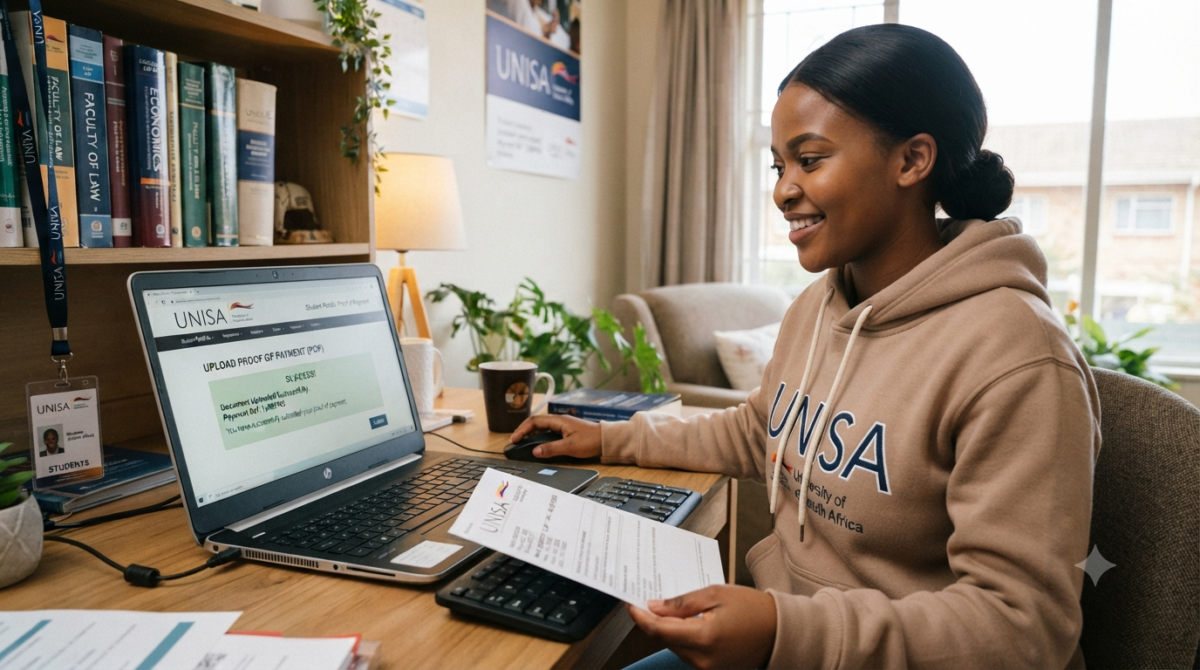
How do I upload my proof of payment to unisa
After you have completed your payment, remember to collect your proof of payment, such as a remittance or payment advice. Including a breakdown of the payment is crucial. This breakdown should clearly state the full names, identity numbers, student numbers, and the corresponding amount per student.
Now, the next important step is to send this information to susdepid@unisa.ac.za. Whether you are a student or a company/employer responsible for tuition fees, this email address is the designated portal where you can submit your proof of payment. By adopting this efficient method, we guarantee that all your financial transactions will be recorded with utmost accuracy, thereby reducing any possible disruptions in your academic path.
Hey there! Just a quick tip for your next payment: make sure to take a nice, clear photo of your proof, gather all the necessary details, and then send that email to susdepid@unisa.ac.za.
Does UNISA require proof of payment for application fee?
How do I upload my banking details at Unisa?
- Access the Platform: Follow the link provided in your myLife email account to reach the banking details submission page.
- Enter Your Banking Information: It’s crucial that the bank account is in your name and verified against your ID number. Unisa has made it clear that no third-party banking details will be accepted or processed to ensure the integrity of transactions.
- Submit for Verification: Once you have entered your details, the submission will undergo a verification process with your bank.
How do I know if Unisa received my application fee?
Many times it because necessary for some applicants to follow up on their applications. This follow-up is to ensure UNISA has indeed received the application fee.
While this may be an act of proactiveness, it can also be dicey. Here is the point.
When payment for the application fee is done, you only send the proof of payment to UNISA to confirm. You don’t need to expect UNISA to reach out and confirm payment. UNISA swerves over 500,000 applicants every academic year, and it is against their time to provide feedback to every applicant. UNISA only accepts your application once you pay the required fee. What ensures that UNISA has received and accepted your application fee is accepting your application.
However, it can take between 2 to 3 days for UNISA to receive all respective payments.
How do I submit my bank details to Unisa?
UNISA always advises students to do a regular check on their bank details and update it when necessary. If you find yourself looking to update your bank details to UNISA whether for refund or allowances, here is the needed thing to do.
If you are eligible for a refund or allowance, you will receive an email on your myLifeemail account. Below is a sample format of the email you may receive from UNISA
“Dear recipient,
I hope this email finds you well. I wanted to bring to your attention that the following email contains crucial information that requires your immediate attention.
Additionally, there is a secure link included within the email that you can use to access the necessary resources. Thank you for your prompt attention to this matter.
Best regards,
(Student name)
Read the email thoroughly and then proceed to click on the link that has been provided.
Provide your banking information on the website and click the submit button. Remember to use only your own personal bank account. Third-party accounts will not be accepted.
To verify your information, the system will compare it with your ID number. Please verify the status.
If the verification process is unsuccessful, please try entering your banking details again and double-check that they are accurate.
Continue to check the link periodically until your information is verified. Please note that verification may not occur immediately.
If you have any questions, please feel free to contact Unisa’s Directorate of Student Funding at dsfref@unisa.ac.za.
Be patient, as it may take up to 15 working days for refunds to be credited to your account.
How long does it take for Unisa to process your application?
When applying to the University of South Africa, it’s important to keep in mind that the processing time for applications can vary based on several factors. There are a few factors that can influence your application, such as the particular programme you are applying to and the timing of when you submit your application.
At UNISA, there are certain times when they receive a larger number of applications. This usually happens at the beginning of the academic year or when specific programmes are open for intake. Understanding the timeframe for processing applications is crucial when it comes to managing expectations. Typically, it takes about 2 to 8 weeks for applications to be processed. The duration can vary based on different factors like the type of application, the complexity of the requirements, and how efficient the processing system is. It is important to mention that the timeframe can vary between different applications and is not fixed.
Frequently Asked Questions (FAQs)
What is UNISA proof of payment?
It is an official receipt or payment confirmation showing that you have successfully paid the required UNISA fee.
How much is the UNISA online application fee?
UNISA’s current application information lists the online application fee as R150 for applicable first-time applicants. Always check the latest official application instructions before paying.
Where should I send my UNISA proof of payment?
UNISA’s current application instructions state that proof of application-fee payment should be sent to susdepid@unisa.ac.za.
Do I need to keep my UNISA payment receipt?
Yes. UNISA advises applicants to keep a copy of their proof of payment.
What reference should I use when paying UNISA?
Use the student number issued by UNISA together with the applicable application fee allocation number, following UNISA’s prescribed format.
Can I upload a screenshot of my payment?
Only use a screenshot if it clearly shows all required payment information and the submission instructions permit that format. A complete official payment confirmation is preferable.
What file size can UNISA documents be?
For undergraduate supporting-document uploads, UNISA currently states that individual files must not exceed 2MB.
What file formats does UNISA accept?
For undergraduate supporting documents, UNISA lists PDF, DOC and TIF among the accepted formats.
Why is my UNISA proof of payment blurry?
The receipt may have been scanned or photographed at low quality. Create a clearer scan or download the original electronic receipt from your bank.
Why is my UNISA document upload failing?
Common causes include an unsupported file type, excessive file size, corrupted file or unclear document. Check the file requirements and try again.
Can I use my phone to submit UNISA proof of payment?
You can prepare or send payment proof from a phone where supported, but a computer can make it easier to check file size, format and document quality.
What happens if I use the wrong UNISA payment reference?
Incorrect payment information can delay the allocation of your payment. Keep your receipt and contact UNISA for assistance rather than making another payment without confirmation.
Can I send proof of payment more than once?
If UNISA asks you to resend it, follow the instructions provided. Keep evidence of every submission.
Is the UNISA application fee refundable?
No. UNISA states that the application fee is non-refundable.
Can I pay the UNISA application fee after the deadline?
UNISA states that the application fee must be paid by the applicable application closing date. An application without the required fee paid on time will not be processed.
Should I upload all my documents as one PDF?
UNISA’s undergraduate application instructions say required documents should be uploaded as individual files rather than one large file.
How can I make my UNISA PDF smaller than 2MB?
You can scan at a lower resolution, remove unnecessary pages and compress the PDF while ensuring that all important information remains readable.
What should I do if my payment has not reflected?
Check your bank transaction first and make sure the correct payment reference was used. If the payment was successful but has not been allocated, contact UNISA with your proof of payment.
Does receiving a UNISA student number mean I have been admitted?
No. Receiving a student number does not by itself mean that you have been admitted. Applicants must still complete the admission application and meet the applicable admission requirements.
Where can I check official UNISA payment information?
You should use UNISA’s official payment-methods and banking-details page for the latest payment instructions.