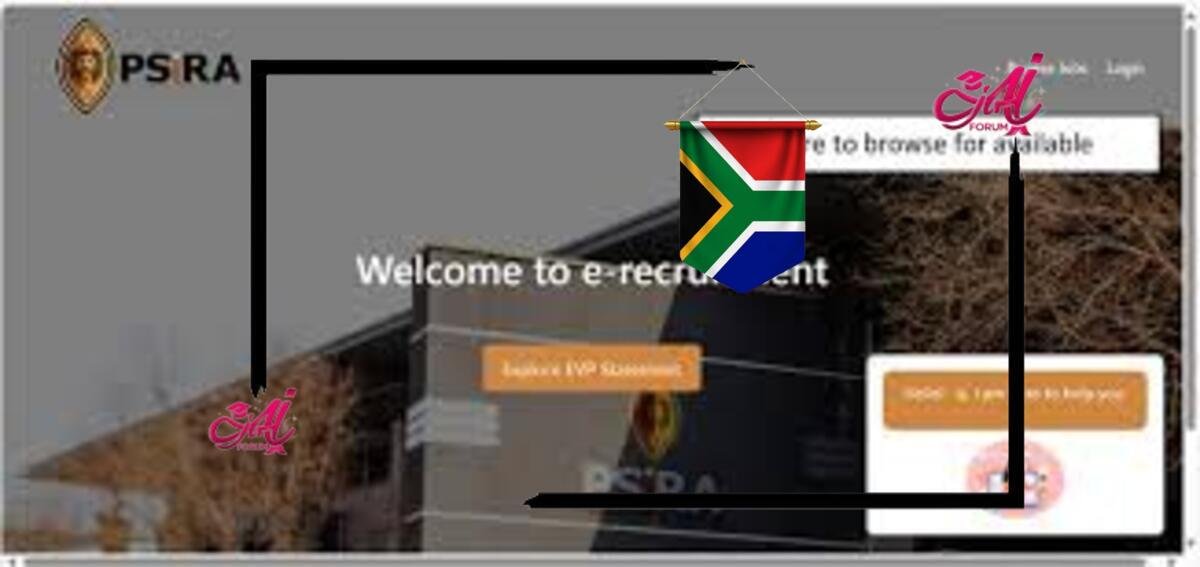
The PSIRA e-Recruitment Portal is an online platform designed to streamline recruitment in South Africa’s private security industry. It allows candidates to create accounts, upload documents, and apply for vacancies or internships with ease. The portal is user-friendly and accessible on both computers and mobile devices.
Benefits of Registering on the PSIRA Portal
Easy Online Applications: Submit applications without visiting PSIRA offices.
Advertisement. Scroll to continue reading.Real-Time Updates: Receive notifications about new job openings or internship programs.
Document Management: Upload and manage your CV, certificates, and other required documents digitally.
Track Applications: Monitor the status of your applications online.
Requirements for PSIRA Registration
Before registering, ensure you have the following:
A valid South African ID or Passport
A functional email address
A recent CV and relevant certificates
Internet access and a device to complete registration
How to Register on the PSIRA E-Recruitment Portal
Follow these steps to create your PSIRA job seeker profile:
Step 1: Visit the PSIRA Portal
Go to www.psira.co.za
Click on the “E-Services” tab and select “E-Recruitment”.
Step 2: Create an Account
- Click on “Register as a Job Seeker”
- Fill in your ID Number, Email Address, and Contact Details
- Choose a secure Password
Step 3: Upload Your Documents
You will need:
- Certified copy of your PSIRA certificate (if registered)
- Certified ID copy
- Matric certificate
- Security training certificates (Grade E, D, C, etc.)
- CV in PDF format
Step 4: Confirm Email & Login
Verify your email address and login using your new credentials.
Completing Your Job Seeker Profile
Once you’re logged in:
- Fill in your Personal Information
- Provide details of your Security Grades
- List any Work Experience
- Indicate your Preferred Job Types and Locations
Make sure your profile is 100% complete to increase your chances of being shortlisted by employers.
Get More Opportunities
Currents South African Vacancies
Apply for Learnerships Programm
How to Apply for Jobs on the PSIRA Portal
Searching for Jobs:
- Use the “Job Search” tab
- Filter by Job Type, Province, or Company
Applying:
- Click “Apply Now” on a listing
- Select your uploaded CV and supporting documents
- Click Submit Application
You’ll receive confirmation via email. Track your applications under the “My Applications” tab.