


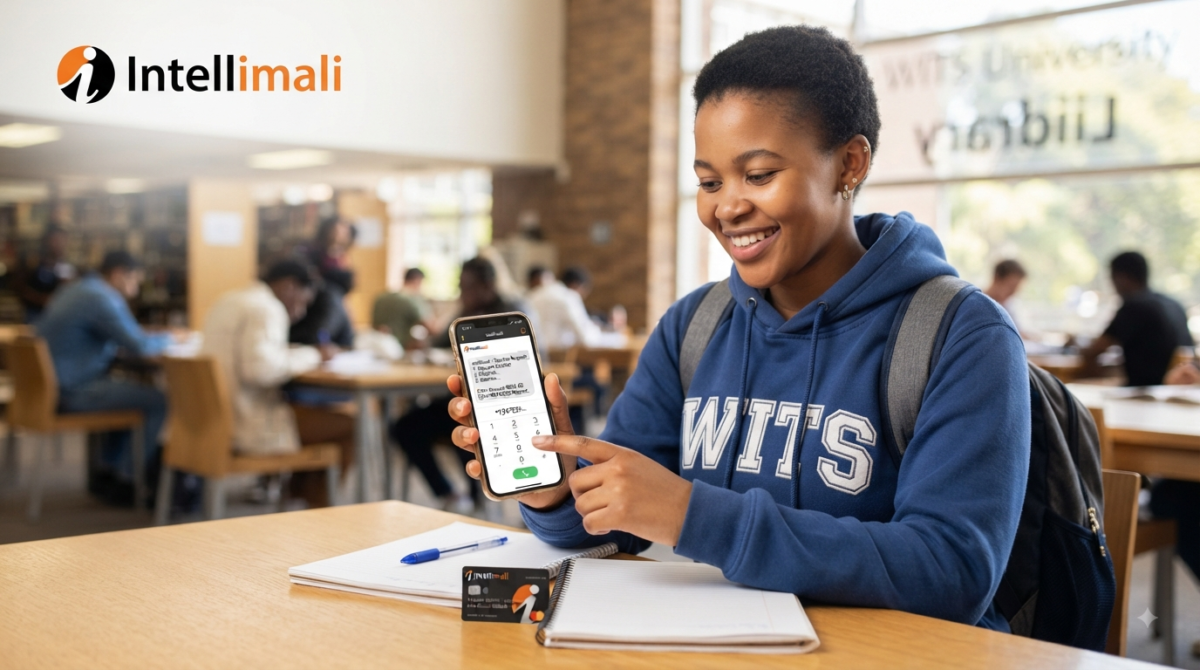
The Students who have Registered with Intellimali they can make Purchase at any store without having their Intellimali card just using the Voucher which requested through USSD Codes and Intellicell.
How to Request Intellimali Voucher By USSD Codes
This is one of the simplest ways to obtain a coupon. Whether you have a smartphone or not, you may utilize the USSD code to obtain a voucher by calling *120*44431*student number*pin# on your phone.
How to Request Intellimali Voucher By Intellicell
The Intellimali app for mobile devices is called IntelliCell. You may use it to see how much money you have, ask for vouchers, and get alerts when you are paid. You may use IntelliCell by getting the app from the Play Store or the App Store, installing it on your mobile device, and linking it to your Intellimali account. Once you’ve done this, you can request vouchers by following the procedures outlined below.
- Open the app.
- Enter your 5 digit PIN.
- Accept the terms and conditions.
- Be sure that you have sufficient balance before proceeding to request a voucher.
- Tap on the menu bar.
- Select ‘Request Voucher’.
- Enter your 5 digit PIN.
- Tap on the ‘Request’ button.
- A voucher number will be displayed on your screen.
CHECK: How to Transfer Money from Intellimali to Bank Account
Withdrawing Money
You may use your Intellimali voucher to withdraw money in addition to using it to pay for groceries. Just let the clerk know you want the money at the till. Also keep in mind that you are only permitted to withdraw up to R3,000 when using a coupon.
Intellimali Contact Details
Mobile: 087 2300 161
Email: info@intellimali.co.za
Email: merchants@intellimali.co.za
Official Website: www.intellimali.co.za
Most Frequently Asked Questions About Intellimali Vouchers
What is the Intellimali voucher USSD code?
The direct USSD format for requesting an Intellimali voucher is *120*44431*student number*PIN#. You can also dial *120*44431# and follow the prompts.
How do I request an Intellimali voucher?
Dial *120*44431*student number*PIN# using the cellphone associated with your Intellimali account and follow the instructions.
How long is an Intellimali voucher valid?
The voucher generated through the cellphone service is valid for 5 minutes, according to Intellimali’s published allowance guidance.
Can I request an Intellimali voucher using IntelliCell?
Yes. IntelliCell allows Intellimali account holders to request vouchers for payment.
What is IntelliCell?
IntelliCell is Intellimali’s mobile application for account holders. It provides features such as balance checking, voucher requests, notifications and transaction-history access.
Can I check my Intellimali balance by USSD?
Yes. Dial *120*44431*student number# and follow the prompts to view your balance.
Do I need a smartphone to use Intellimali USSD?
No. USSD does not require the IntelliCell smartphone application, making it useful for users who have a compatible mobile phone.
Do I need an Intellimali PIN to request a voucher?
The direct voucher-generation format requires your Intellimali PIN: *120*44431*student number*PIN#.
What should I do if my Intellimali voucher expires?
Because the voucher is valid for a limited period, you should request a new voucher when you are ready to complete the payment.
Why is my Intellimali USSD code not working?
Check your cellphone number, student number, PIN, account status and network connection. If the problem continues, contact Intellimali or your institution’s financial aid office.
Can I use IntelliCell to check my balance?
Yes. Checking balances is one of the functions provided by IntelliCell.
Can I view my Intellimali transactions on IntelliCell?
Yes. IntelliCell allows users to view a full list of transactions.
Can I update my bank details using IntelliCell?
Yes, where the account holder has a cash allowance and the relevant feature is available.
How many devices can be linked to an IntelliCell account?
Intellimali states that only one device can be linked to an account. Attempting to register multiple devices can result in account suspension.
Can I use IntelliCell on a new phone?
You should follow the official IntelliCell registration or device-linking process. If you experience account restrictions after changing devices, contact Intellimali support.
Can I use Intellimali without an IntelliCard?
Yes. Intellimali supports USSD vouchers and IntelliCell in addition to its IntelliCard solution.
What number can I call for Intellimali support?
Intellimali lists 087 2300 161 as a contact number for its services.
What should I do if I forget my Intellimali PIN?
Use official Intellimali support or contact your institution’s financial aid office for assistance rather than sharing your PIN with another person.
Can I request an Intellimali voucher from any cellphone?
The cellphone should be associated with your Intellimali account. Intellimali also advises users to ensure that their cellphone number is correct and updated with their funder.
Is IntelliCell the same as Intellicell?
The official Intellimali service is called IntelliCell. It is the mobile application intended for Intellimali account holders.
Where can I find official Intellimali information?
You can use the official Intellimali website for current information, support and service details.