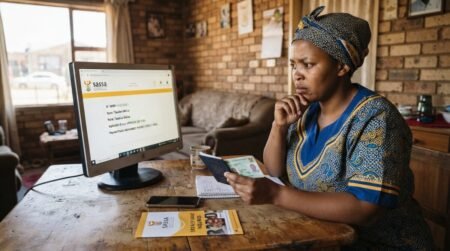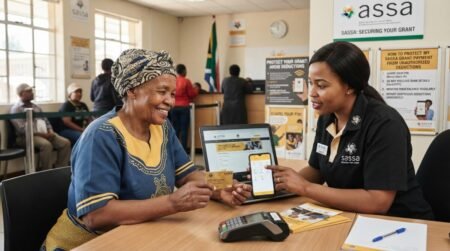


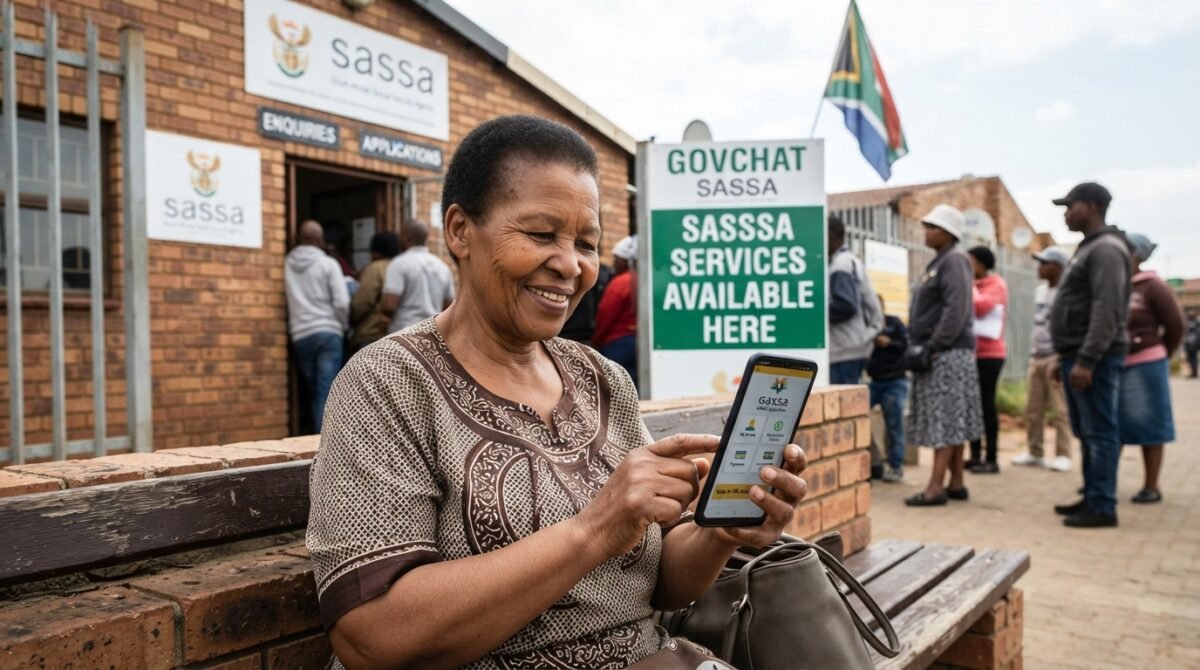
GovChat SASSA Application Learn How you can Submit your Sassa Grants Application on GovChat all steps reveled on this Educative page.
What is the GovChat Sassa app?
GovChat is a messaging platform that connects users with government agencies directly. With this app, citizens can interact with government services, obtain information about social services, and apply for SASSA grants.
Both desktop computers and mobile phones can use the app. It also provides real-time analytics and allows users to rate and report government facilities and services.
How To Apply for SASSA SRD R350 Grant on GovChat?
The process of applying for a Sassa grant via GovChat is easy. You need to be prepared with your details. Follow these steps to apply for an SRD grant using this

- First of all, you need to download the GovChat app from the Google Play Store or Apple App Store. You can download the app, install the app, and proceed to the next step.
- If you do not want to install the app then you can visit the official website of GovChat here.
- Open the website or app and here you need to provide your phone number in order to start the registration process. You will see a statement on the homepage “Add your mobile number below”. This is necessary to verify your account.
- Now you will see a captcha that you need to fill out for verification purposes.
- On the next page, you will need to login to your Sassa portal account.
- Once you are logged in, you will see all types of SASSA grants that you can avail of. However, in this case, you need to select only “Social Relief Of Distress R350”.
- Here you will see the Sassa application form that you need to fill out carefully.
- You need to enter all of your required personal details. You should enter all the details correctly as misspelled information will lead you to application declined status. (Note: Do not provide false information if you are not eligible for the Sassa grant. This can lead you to a lawsuit against you).
- Now you will need to sign your name electronically on the application form. After signing the GovChat Sassa application form, you can submit it to Sassa.
- After the submission of the form, you will receive a SASSA reference number that you can use to check your Sassa payment status.
Use Govchat WhatsApp To Apply for the Sassa Grant Online
Another method to apply for the Sassa Social Relief of Distress grant is using GovChat WhatsApp.
- Go to your phone dialer and dial “082 046 8553”.
- Now save this phone number with any name like “Sassa SRD Grant”.
- Open your WhatsApp and choose “Sassa SRD Grant” as a recipient.
- Now type “SASSA” and send it to the above-mentioned recipient.
What are the Features of the GovChat App?
Government agencies and citizens can communicate more effectively through the GovChat app. GovChat offers the following features:
Messaging Platform:
GovChat allows users to communicate directly with government agencies through messaging. Citizens can engage with government services through a secure and user-friendly interface.
Applicant Services:
With the app, users can apply for government services, including SASSA grants. The app allows users to fill out online application forms and submit them.
Information and Answers:
Using GovChat, users can learn about social services and ask questions. You can find out about your local community and access resources that are relevant to you.
Citizen Engagement:
Citizens can engage with the South African government through GovChat, a centralized hub. Through it, citizens can provide feedback, rate government facilities, and report issues to help improve their lives.
Real-Time Analytics:
It provides real-time analytics, enabling government agencies to monitor citizen engagement and gather insights. Service delivery can be enhanced by identifying areas for improvement.
Accessibility:
The GovChat application can be accessed on both desktop computers and mobile devices. Citizen engagement with government services can be made convenient using the device of their choice.
For the most accurate and up-to-date information, it is recommended to visit the official GovChat website or download the app from a trusted source.
How to Check Your SASSA Status with GovChat
Here’s a step-by-step guide on how to check your SASSA status with the GovChat app:
- Open the GovChat app on your phone.
- Click on the “SASSA Services” option.
- On the next page, click on “Check SASSA Application Status”.
- Enter your South African ID number and phone number.
- Click on the “Get Status” button.
- You’ll see the details of your SRD application status.
How to Download GovChat
Downloading GovChat is easy. Just follow these steps:
- If you have an Android phone, go to the Google Play Store. If you have an iPhone, go to the Apple App Store.
- Type “GovChat” in the search bar and press enter.
- Look for the GovChat app in the search results. The app’s icon has the GovChat logo.
- Click on the GovChat app, then click the “Install” button if you’re using the Google Play Store, or the “Get” button if you’re using the Apple App Store.
- Wait for the app to download and install.
- Once the app is installed, click “Open” to use GovChat.
How to Register on GovChat
Before you can check your SASSA grant status, register an account on GovChat. Here’s how:
- Open the app and click on the “Sign Up” button.
- Enter your phone number and complete the captcha.
- You’ll get an OTP to verify your number.
- Choose a password and you’re ready to use the app.
How to Log In to GovChat
After you’ve downloaded and registered on GovChat, here’s how to log in:
- Find the GovChat app icon on your phone and click on it to open it.
- On the app’s home screen, look for the “Login” button and click on it.
- Enter the phone number you used when you registered.
- Enter the password you chose when you registered.
- Complete a captcha to prove you’re not a robot.
- Click on the “Login” button.
- Sometimes, you might get a One-Time Password (OTP) on your registered phone number. If you do, enter the OTP in the provided field.
- After you log in, you’ll be taken to the app’s main dashboard to access various services, including checking your SASSA status.
Frequently Asked Questions (FAQs)
What is GovChat SASSA application?
GovChat is a digital citizen-government platform that has provided access to SASSA grant application services.
Is GovChat connected to SASSA?
GovChat provides government service access, including SASSA-related services, while SASSA remains the agency responsible for administering social grants.
Is GovChat free to use?
GovChat states on its official website that the platform is safe, secure and free to use.
Can I apply for a SASSA grant online?
Yes. SASSA provides online application services through its official SASSA Services Portal, with separate online services available for SRD applications.
Where is the official SASSA application website?
The official SASSA Services Portal is available at services.sassa.gov.za, while SRD applicants can use srd.sassa.gov.za.
Can I apply for the SRD grant online?
Yes. SASSA provides an official online SRD application service.
Do I need a cellphone number to register with SASSA?
Yes. SASSA’s online registration process requires a cellphone number for verification and OTP authentication.
Do I need an email address for SASSA online registration?
SASSA states that an email address is required for registration on its SASSA Services Portal.
Can I check my SASSA application status online?
Yes. SASSA provides online status services for applications, including a dedicated SRD status service.
What does Application Submitted mean on SASSA?
It means the application has successfully been submitted and is awaiting further processing or assessment.
What does Application Pending mean on SASSA?
It means the application has been processed and is awaiting final approval or assessment.
What does Application Documents Outstanding mean?
It means SASSA has identified missing or outstanding information or documents that need to be addressed.
Can I upload supporting documents online?
Yes. SASSA’s online services provide document-upload functionality for applications where supporting documents are required.
Can I change my SASSA banking details online?
Yes. The official SRD online service provides a facility for changing banking details.
Can I change my SASSA cellphone number online?
Yes. SASSA’s SRD online services include an option to change the mobile number linked to an application.
What happens if my SRD application is declined?
If you believe the decline reason is incorrect, you can use the official SASSA appeals process where an appeal is available for the relevant period.
Can I appeal a declined SASSA SRD application?
Yes. SASSA provides an online appeal service for eligible declined SRD applications.
Can I apply for more than one SASSA grant?
Eligibility depends on the grant type and your personal circumstances. You should check the requirements for each grant before applying.
What documents can SASSA require?
Documents vary by grant and circumstances but may include identification, proof of income, banking information, marital-status documents and other supporting documents.
Should I give my SASSA OTP to someone else?
No. Keep your OTP, password, PIN and banking credentials private and do not share them with other people.
How can I avoid fake SASSA application websites?
Use GovChat or official SASSA websites and verify the website address before entering personal or financial information.
Where can I find official SASSA forms?
SASSA provides an official Download Form Center containing grant application and supporting forms.
Can I apply for a SASSA grant without visiting an office?
Many SASSA services can be accessed online, although some applications or circumstances may require additional processes or in-person assistance.
Who administers social grants in South Africa?
Social grants in South Africa are administered by the South African Social Security Agency (SASSA).
What should I do after applying for SASSA?
Keep your application details, monitor your application status and respond promptly if SASSA requests additional information or documents.