

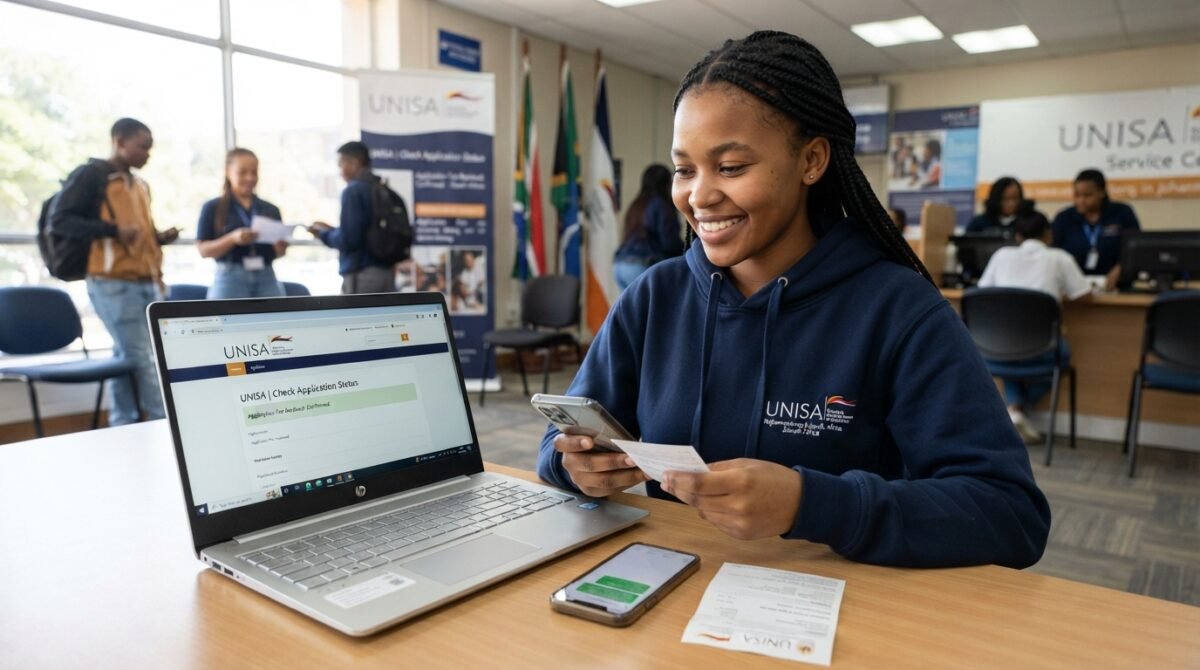
How to Confirm if UNISA Received Your Application Fee In order to submit an Application at Unisa – The University of South Africa you need to pay an Application fees Online applications R 110 ,Manual applications R 170 and The non-refundable online application fee is R140,00 you need to make sure Unisa received your Application we prepare this article to guide how to Confirm if UNISA Received Your Application Fee .
How to check if Unisa application fee is paid
To verify if the UNISA application fee has been paid, please follow these.
- Use your student number and password to get into the UNISA site, which is www.unisa.ac.za
- Click “myUnisa” and then choose “myAdmin.”
- Choose “application fee” to see where your payment is in the process.
- If the payment has been made, it will say “paid” next to it. If it doesn’t, it will say “outstanding.”
- Follow the instructions to make the payment if the payment is still due.
- Applicants can also check on the status of their payments by calling the UNISA payment office or going to a UNISA regional centre. To avoid problems or delays, it is important to ensure the application fee has been paid before the deadline.
How Long Does It Take For UNISA Payment To Reflect?
Payments will be allocated within two (2) to ten (10) working days upon receipt of the required information. Proof of payment (remittance or payment advice) and a breakdown of the payment (full names, identity numbers, student numbers and amount per student) must be sent to susdepid@unisa.ac.za.
Frequently Asked Questions (FAQs)
How much is the UNISA application fee in 2026?
The current online application fee listed by UNISA is R150 for applicants who are required to pay it. The fee is non-refundable.
How do I know if UNISA received my application fee?
You can track your application through the official UNISA application-status system and check that your application is progressing. Keep your proof of payment in case you need to provide evidence of the transaction.
Where can I check my UNISA application status?
You can use the official UNISA application-status portal to enter your student number, surname, first name and date of birth.
What reference should I use when paying the UNISA application fee?
UNISA instructs applicants to use their student number together with the application-fee allocation number as the payment reference. The application-fee reference is 5370810030.
Is the UNISA application fee refundable?
No. UNISA states that the application fee is non-refundable.
Can I pay the UNISA application fee twice?
You should not make a second payment simply because the first payment has not yet appeared. First verify your payment and contact UNISA if necessary.
What should I do if my UNISA payment is not showing?
Check the payment reference, retain your receipt and contact UNISA with your student number and proof of payment if the payment remains unallocated.
Do I need to keep my UNISA payment receipt?
Yes. UNISA advises applicants to keep a copy of their proof of payment.
Can I check my UNISA application status online?
Yes. UNISA provides an online application-status service for applicants.
Does paying the UNISA application fee guarantee admission?
No. Paying the application fee only forms part of completing the application. UNISA still assesses applications according to admission requirements and available spaces.
When should I pay the UNISA application fee?
You should pay the application fee within the relevant application period and before its closing date.
Can I submit a UNISA application without paying the application fee?
Applicants who are required to pay the fee must pay it before their application can be processed.
Do returning UNISA students have to pay the application fee again?
Generally, applicants who have previously paid the UNISA application fee do not need to pay it again, provided they have a formal UNISA student number.
Can international applicants pay the UNISA application fee?
Yes. UNISA provides payment options for international applicants, including Flywire and SWIFT transfer arrangements.
Can I use the UNISA Student App to track my application?
Yes. UNISA says the Student App can be used to track applications and access other administrative functions.
What documents should I keep after paying the UNISA application fee?
Keep your payment receipt, student number, application information, transaction reference and copies of any correspondence sent to or received from UNISA.
What happens if I use the wrong payment reference?
The payment may not be automatically allocated to your application. Keep the proof of payment and contact UNISA so that the payment can be investigated and allocated where appropriate.
How long can a UNISA payment take to reflect?
The processing time depends on the payment method. UNISA notes that some payments, particularly payments made outside its website, may take a few days to reflect.
Where should I send my UNISA proof of payment?
UNISA’s current application instructions state that proof of payment should be sent to susdepid@unisa.ac.za.
What information should I include when contacting UNISA about a missing payment?
Include your full name, student number, payment date, amount paid, payment reference, transaction details and proof of payment.
Does a successful payment mean my UNISA application is complete?
Not necessarily. UNISA also requires the relevant supporting documents and a completed application before the application can be considered complete.